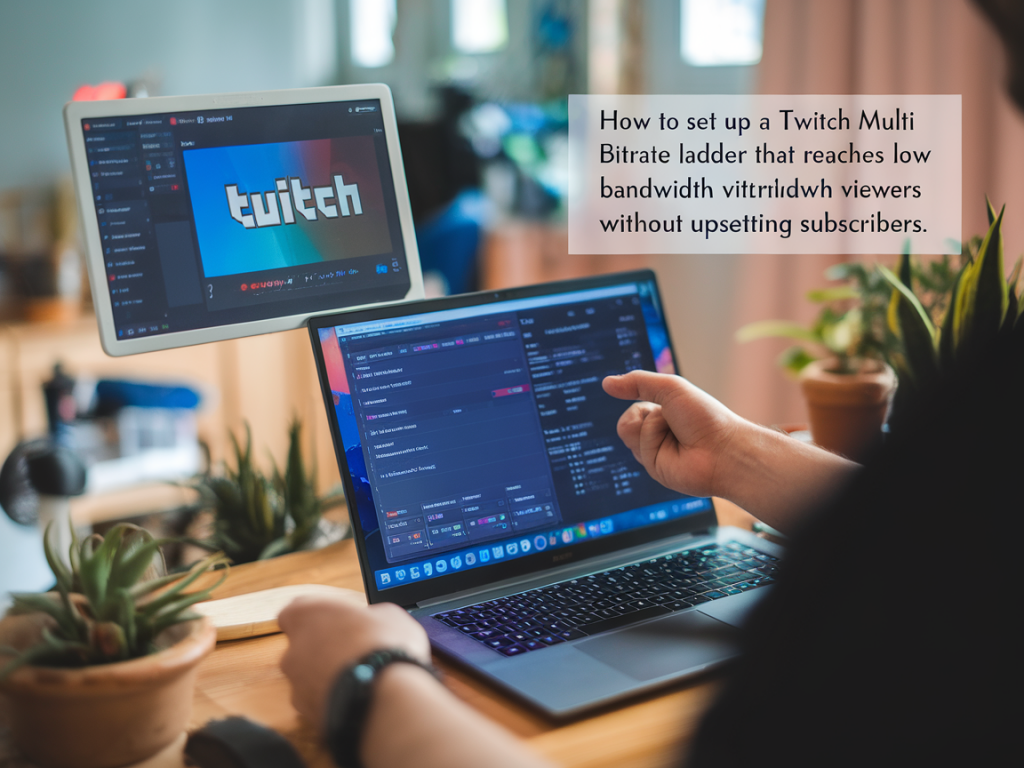
I get asked a lot: “How do I make my stream watchable for people on slow connections without nerfing the experience for my subscribers?” It’s a practical problem that sits at the intersection of technical constraints, platform policy and audience expectations. Over the years I’ve built and tested several approaches, and in this post I’ll walk you through what’s possible on Twitch, what isn’t, and realistic setups you can implement to serve low-bandwidth viewers while keeping your paying community happy.
Why a multi-bitrate ladder matters (and what Twitch actually handles)
Multi-bitrate streaming—sending multiple simultaneous renditions of your live feed at different resolutions/bitrates—lets viewers pick the quality that matches their network. That’s the ideal because it maximizes reach and reduces rebuffering.
But here’s the practical catch: Twitch expects a single ingest stream from your encoder. The platform then provides transcoding renditions to viewers when it has the capacity. Historically, Partners are prioritized for transcoding and Affiliates may get it depending on load. In short: you can’t natively push a multi-bitrate ladder to Twitch the same way you would to your own HLS packager or to some CDNs that accept multiple RTMPs and produce an ABR manifest.
So the problem becomes: how do you make sure low-bandwidth viewers can watch you reliably even if Twitch transcoding isn’t available to them, and without undermining subscriber value?
Approaches I use and recommend
Those four ideas together reduce the pain for low-bandwidth viewers while preserving the quality paid subscribers expect.
Encoder settings for the single Twitch ingest (keep it flexible)
Because Twitch gets one incoming stream, you want that stream to be efficient and resilient. Here are practical settings I use and recommend (these work for x264 and modern NVENC encoders):
These settings maximize the chances that Twitch’s transcoder will operate effectively. But again: if Twitch transcoding isn’t available to individual viewers, they still need a lower-bitrate option.
Building an external multi-bitrate ladder (my preferred pattern)
If you want a true multi-bitrate experience under your control you need to place an encoding/packaging layer before distribution. That means encoding at a high resolution locally, sending a single high-quality feed to a packager (cloud or self-hosted) that generates an HLS/LL-HLS ABR manifest with multiple renditions.
Ways to do it:
When I need reliable multi-bitrate playback I usually stream to a cloud packager and embed the player on Streamamp.co. I also push the same single ingest to Twitch. That way paying subscribers on Twitch still see high-quality (and get transcoding when Twitch provides it), while low-bandwidth viewers can use the embedded player set to 240/360/480 kbps renditions.
Sample bitrate ladder I use for embedded HLS ABR
| Resolution | FPS | Video bitrate | Audio |
|---|---|---|---|
| 1080p | 60 | 6000 kbps | 128 kbps |
| 720p | 60 | 3500 kbps | 128 kbps |
| 720p | 30 | 2500 kbps | 128 kbps |
| 480p | 30 | 1200 kbps | 96 kbps |
| 360p | 30 | 700 kbps | 64–96 kbps |
| 240p (mobile/slow) | 30 | 300–400 kbps | 64 kbps |
That table represents a realistic ladder for web embedding. You can shift numbers down or up depending on target audience and content type (fast-moving games need higher bitrates for the same resolution).
How to avoid upsetting subscribers
Subscribers often expect a premium, consistent experience. If you offer a low-bitrate alternate stream openly, some subscribers may ask why Twitch doesn’t give them that same reproducible quality—so communication is key.
Practical workflows and tools I use
Monitoring and testing
Don’t guess at your ladder. Test with throttled networks (Chromium has network throttling tools), ask community members to try the low-bitrate embed, and monitor player analytics. I keep a small reproducible test protocol:
That last step is golden: real-world feedback from slow connections tells you more than lab numbers.
If you want, I can prepare a step-by-step OBS -> Cloud Packager recipe with ffmpeg examples and an inexpensive AWS setup that spins up an ABR packager for under an hour. Tell me your target audience (mainly mobile, regions with slow connections, etc.) and I’ll tailor the ladder and cost estimate.