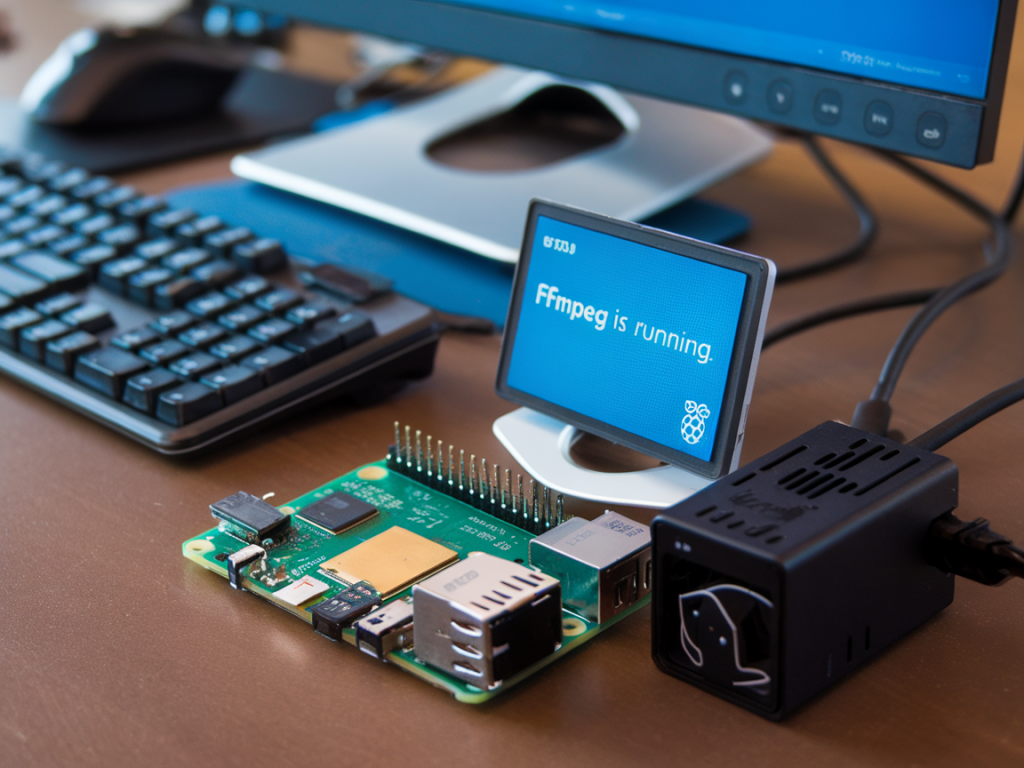
When your main streaming PC crashes mid-broadcast the panic is real: chat floods, notifications light up and you can lose viewers (and trust) in minutes. I prefer planning for the inevitable. Over the years I've built lightweight standby encoders that kick in automatically when the main machine drops. You can build one for under $300 using a Raspberry Pi, ffmpeg, and a small amount of glue code. Below I walk through the hardware, the network/encoding trade-offs, and paste-ready scripts and systemd snippets so you can get a resilient backup live in a couple of hours.
Why a Raspberry Pi standby encoder?
A Pi-based standby encoder is inexpensive, low-power, and easy to maintain. It isn't meant to replace your production PC for high-quality multi-source broadcasts; it's there to buy time and keep an active presence while you recover. Benefits:
What the system does
The standby encoder runs ffmpeg and implements two main behaviors:
Failover is automatic. I use a small supervisor script that monitors the ffmpeg process and swaps inputs depending on reachability of the main stream, or whether the pulled stream fails with audio/video errors.
Hardware and cost estimate
| Item | Example | Estimated cost (USD) |
| Raspberry Pi 4 (4GB) | Any 4GB Pi 4 board | $60 |
| microSD card (32–128GB) | SanDisk Ultra 64GB | $10–15 |
| Power supply (USB-C 3A) | Official Pi PSU | $8–10 |
| Case + cooling | Fan/heatsink case | $10–20 |
| Optional: USB capture device | HDMI-to-USB capture (if you want local capture) | $20–50 |
| Network (Ethernet recommended) | Cat5e cable / switch | $0–10 |
Typical total: ~ $110–$175 without capture card. Even with a capture card you stay well under $300.
Network & stream topology
There are a few ways to wire this depending on where your main PC is sending:
My recommendation: set the main PC to publish to a small local RTMP endpoint (either on the Pi or another always-on device). The Pi’s ffmpeg can then pull rtmp://local-ip/live/key and push to rtmp://cdn/app/stream_key. If the local pull dies, the Pi swaps to a local file.
ffmpeg patterns and commands
Two useful ffmpeg commands: one to restream your main feed with minimal CPU usage (copy stream), another to play fallback content with re-encoding.
Restream (low CPU if codecs are passthrough):
ffmpeg -re -i rtmp://MAIN_PC_IP/live/streamkey -c copy -f flv rtmp://CDN/app/STREAMKEY
Fallback loop (example: loop a 30-second mp4 with an audio bed):
ffmpeg -stream_loop -1 -re -i /home/pi/fallback.mp4 -c:v libx264 -preset veryfast -b:v 2500k -maxrate 3000k -bufsize 6000k -c:a aac -b:a 128k -f flv rtmp://CDN/app/STREAMKEY
Notes:
Supervisor script (simple auto-swap)
Below is a minimal bash supervisor. Drop it at /usr/local/bin/standby-supervisor and mark executable.
#!/bin/bashMAIN_URL="rtmp://192.168.1.50/live/stream"CDN_URL="rtmp://live.twitch.tv/app/STREAMKEY"FALLBACK="/home/pi/fallback.mp4"LOG="/var/log/standby.log"while true; do echo "$(date) - Trying to pull main feed" >> $LOG ffmpeg -y -timeout 5000000 -re -i "$MAIN_URL" -c copy -f flv "$CDN_URL" RET=$? echo "$(date) - ffmpeg exited with $RET" >> $LOG echo "$(date) - Starting fallback loop" >> $LOG ffmpeg -stream_loop -1 -re -i "$FALLBACK" -c:v libx264 -preset veryfast -b:v 2500k -maxrate 3000k -bufsize 6000k -c:a aac -b:a 128k -f flv "$CDN_URL" echo "$(date) - Fallback ended, retrying main pull in 5s" >> $LOG sleep 5done
What happens: the first ffmpeg attempts to pull main feed. If it stops (main PC crashed, or local RTMP disconnects), ffmpeg exits and the script starts a fallback loop. If the main feed returns and your local RTMP accepts it, the first ffmpeg will succeed on the next loop, swapping back automatically.
Systemd service
Create a systemd unit at /etc/systemd/system/standby.service to run at boot and restart on failure:
[Unit]Description=Standby Encoder SupervisorAfter=network-online.target[Service]Type=simpleExecStart=/usr/local/bin/standby-supervisorRestart=alwaysRestartSec=5User=pi[Install]WantedBy=multi-user.target
Enable and start with: systemctl enable --now standby.service
Operational tips and gotchas
When this setup is not enough
If you run multi-input productions (capture cards, multiple camera sources, NDI mixing), a Pi fallback won't match production quality. In those cases, consider a secondary Windows/Intel NUC-based encoder that can run OBS as a warm spare. But for many creators and small teams, the Pi approach provides immediate, inexpensive resilience that prevents total stream loss.
If you want, I can tailor the supervisor to check health via ffprobe (to detect frozen frames or audio silence), add auto-upload of alerts to Discord/Slack when failover happens, or show a ready-to-copy guide that uses Nginx-RTMP as the local relay. Tell me which CDN you use and whether you want capture-input or file-loop fallback and I’ll provide the specific commands and configs.